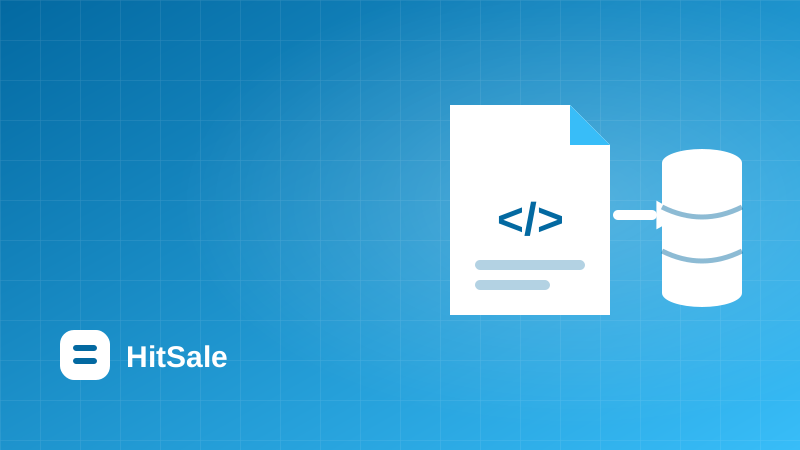
A feed is a file or link with a supplier's products. A properly configured import frees you from creating listings by hand forever.
Supported formats
YML and XML are the most common, CSV works for simple price lists, and API when the supplier offers one. The file just needs SKU, title, price, stock and photos.
Mapping the fields
- Point to price, stock and category in the feed.
- Configure how availability is determined.
- Set an auto-refresh schedule.
Then it's automatic
After the first import the platform pulls updates and keeps your catalog current.
Step-by-step plan
- Get a permanent feed link or price list file from your supplier.
- Add the source in the dashboard and choose the format: YML, XML, CSV or API.
- Map the SKU, title, price, stock, photo and category fields.
- Run a preview and check the first products for correctness.
- Run the full import and set an automatic update schedule.
The most common mistake
A common mistake is setting up the import once and never checking it again. Suppliers change their feed structure: they rename fields, add categories and change the availability format. After such changes some products can quietly stop updating. Once a month, look at the feed preview and the import report: if the number of created or updated products changes sharply, it's a sign the supplier changed something in the file.
Common import mistakes
Most problems come from a missing or non-unique SKU — without it, the product can't be matched on the next update. The second common mistake is availability given as text ('in stock', 'on order') instead of a quantity. The platform lets you define how to read such values, so you don't have to rework the feed.
It's also worth checking photo links: if they point to private pages, marketplaces won't be able to download them.
FAQ
Are feeds with thousands of products supported?
Yes. Large feeds are processed as a stream, so files of tens of megabytes load without trouble.
Can I preview the data before importing?
Yes, there's a preview of the first products so you can confirm the fields are mapped correctly.
What if my supplier sends an Excel price list?
Save it as CSV or ask the supplier for a feed link — most suppliers have one.
HitSale automates this: connect your suppliers and marketplaces once, and prices, stock and listings update themselves. Try it free for 14 days, no card required.